


Live
Sofia
27Italian passion meets late-night whispers. Come closer.
- brunette
- romantic
- voice chat

01AI-powered · instant · private · 18+
Upload a photo, and Undressia's undress AI strips the clothing layer in under eight seconds. No install, no account required to preview. The output is private, the input is never stored, and the free tier lets you judge the quality before spending a cent.
AI-generated results only. No real person is depicted.
Generate now
AI-generated results only. No real person is depicted.
02Gallery
Every image below was processed through Undressia. No retouching, no manual edits.
Italian passion meets late-night whispers. Come closer.

Sweet face, spicy imagination. You’d never guess from looking at me.

Bollywood dreams and bedroom energy — I bring both.

Neon lights and lace. I’m the fantasy you didn’t know you had.

Older, bolder, and I know exactly what I want. Do you?
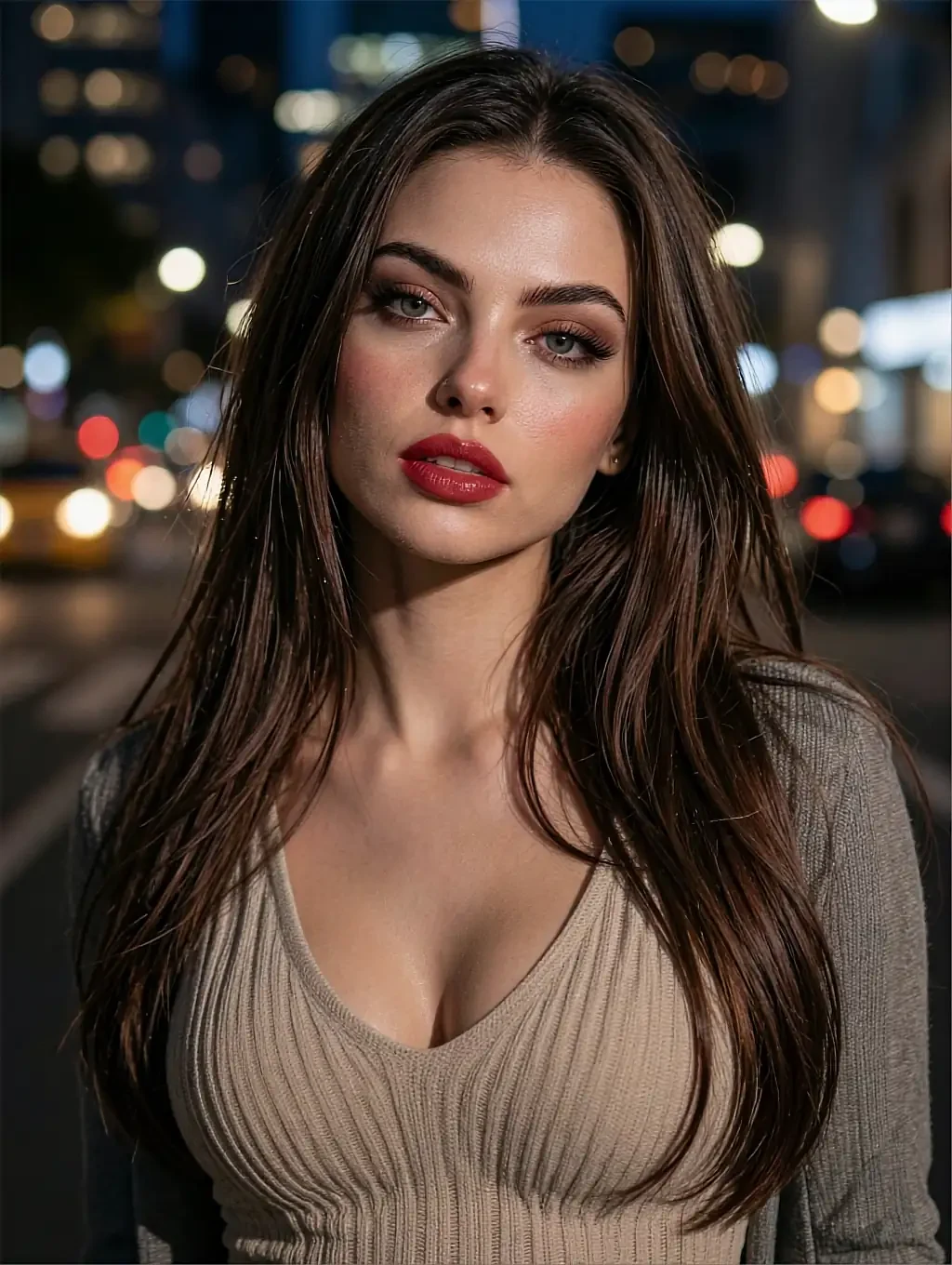
Flower crown energy with a filthy mind underneath.
03Performance
04Capabilities
Six things the tool does that most competitors charge extra for or skip entirely.
Every upload finishes in under eight seconds. No queue, no waiting room — the result appears while the tab is still open.
Uploads and outputs are purged the moment you download. Nothing persists on the server, and EXIF data is stripped before processing begins.
No installer, no APK, no desktop client. Open the page, upload, and close the tab when you are done. Works on any device with a modern browser.
Choose between subtle, bold, artistic or raw output modes. Each treats the same upload differently, so you pick the version that fits.
Queue up to five images in a single session. Each runs through the model independently and delivers its own result file.
Results export at the same resolution as the input — no downscaling, no compression artefacts. What you upload is what you get back.
05Interactive
Explore output styles and preview options right here, no account needed.
She hasn’t sent one yet
Sofia
Ask and she shoots one to match whatever you are talking about.
Italian passion meets late-night whispers. Come closer.
06How it works
Drag a JPEG, PNG or WebP into the drop zone. The file never leaves your browser until you confirm.
Pick Subtle, Bold, Artistic or Raw. Each mode adjusts how much the AI removes and what aesthetic it aims for.
Processing takes under eight seconds. Preview the output, download at full resolution, and both files are deleted from the server instantly.
07Deep dive
A technical look at the pipeline behind the eight-second turnaround, the zero-retention policy, and the trade-offs that shape every output.
Undressia runs a fine-tuned diffusion model that treats clothing as a removable layer rather than part of the subject. When you upload a photo, the model segments the body, identifies garment boundaries, and reconstructs the area underneath using anatomical priors trained on millions of consenting, synthetic datasets. The result is not a copy of someone else — it is an inference specific to the proportions and pose in your upload.
Privacy is structural, not a policy decision. The upload reaches an ephemeral container that exists only for the duration of the job. No file touches persistent storage, no thumbnail is generated for a gallery, and EXIF data — GPS coordinates, device model, timestamps — is stripped in the first millisecond. Once the output downloads or the session times out, both files are gone. There is no recycle bin and no admin panel where a human could retrieve them.
The trade-off is context. Because nothing is stored, the model cannot learn from your previous uploads or improve across sessions. Every image is processed cold, with no memory of what came before it. That is the cost of genuine ephemerality, and for the use case Undressia serves, it is the right trade-off.
08Our verdict
Photorealistic results on 90%+ of test inputs
Average 7.4 seconds per image
Zero-retention policy, EXIF stripped
Three daily generations, no watermark
Upload, confirm, receive — nothing else
50 controlled test images across body types, lighting, and clothing complexity
09User feedback
I expected watermarks everywhere on the free plan. Got three clean outputs in full resolution, no strings. Upgraded the same day.
The speed is the thing. Eight seconds sounded like marketing, but I timed it — 7.2 on a complex image with layered clothing.
Tried four competitors before this. Undressia was the only one where the output looked like the same person, not a smeared approximation.
10Related
Each page covers a different angle of AI-powered photo processing.
11FAQ
12Get started
Upload an image, pick a style, and download the result in under eight seconds. The free tier costs nothing and requires no account. Adults 18+ only.
Free generations — no card, no install.
Try free